Skip to content


Description
Who This Program Is For
Microsoft Mastery for Workplace Essentials is designed for professionals who want to build confidence using the Microsoft tools most jobs rely on every day.
This program is ideal for:
- Career switchers and job seekers
- Returning professionals re-entering the workforce
- Administrative, operations, and project support roles
- Small business staff and office-based employees
- Anyone who uses Microsoft at work but never received formal training
- No advanced technical background is required.
- This program meets you where you are and focuses on practical, real-world skills employers expect.
Program Length & Format
This is a self-paced online program designed to be completed over 4–6 weeks, depending on your schedule and learning pace.
Most learners spend 2–4 hours per week working through guided lessons and hands-on exercises. You can move at your own pace and revisit content anytime.
What You’ll Learn
You’ll gain practical experience with the core Microsoft tools used across modern workplaces:
-
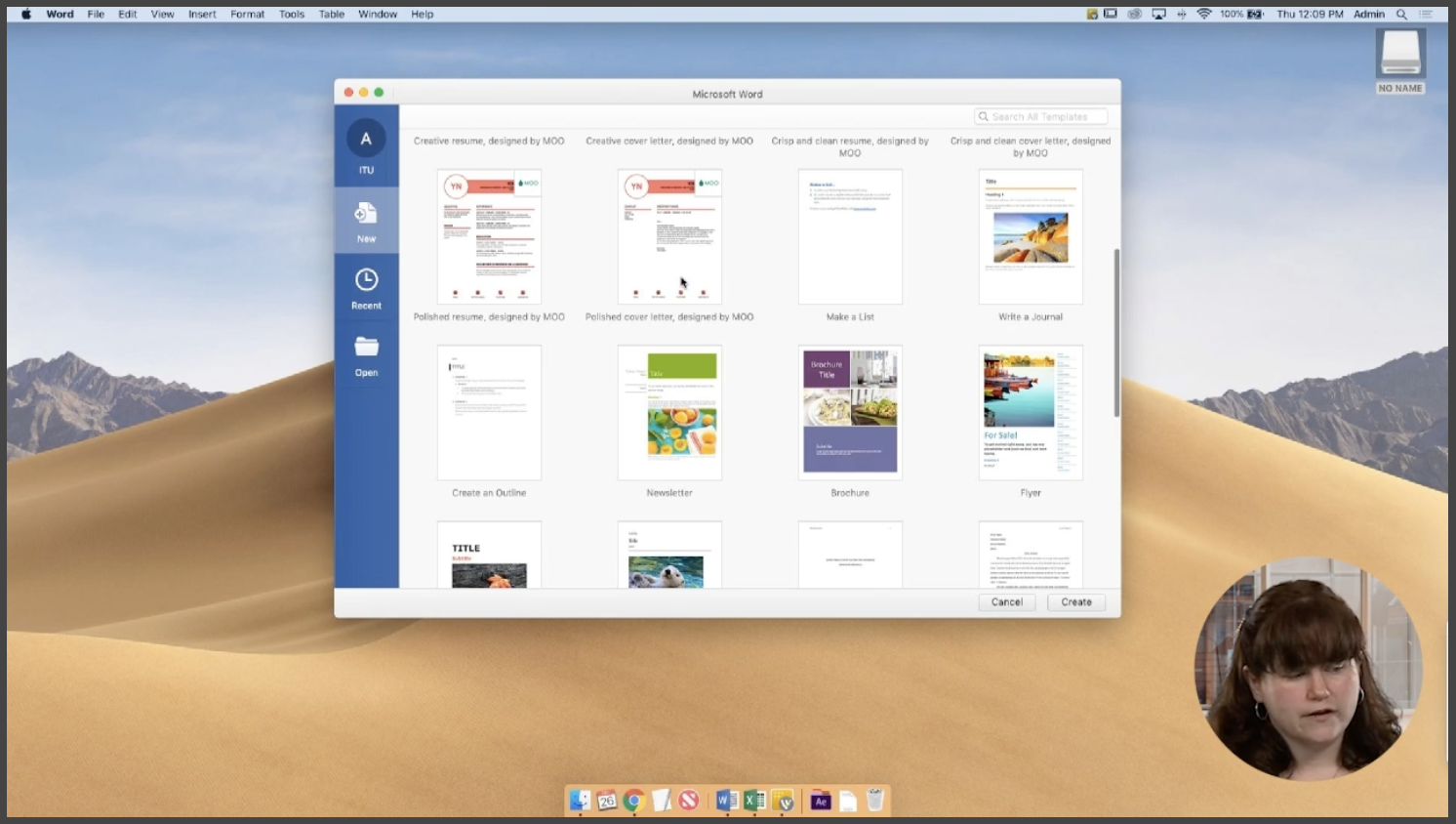
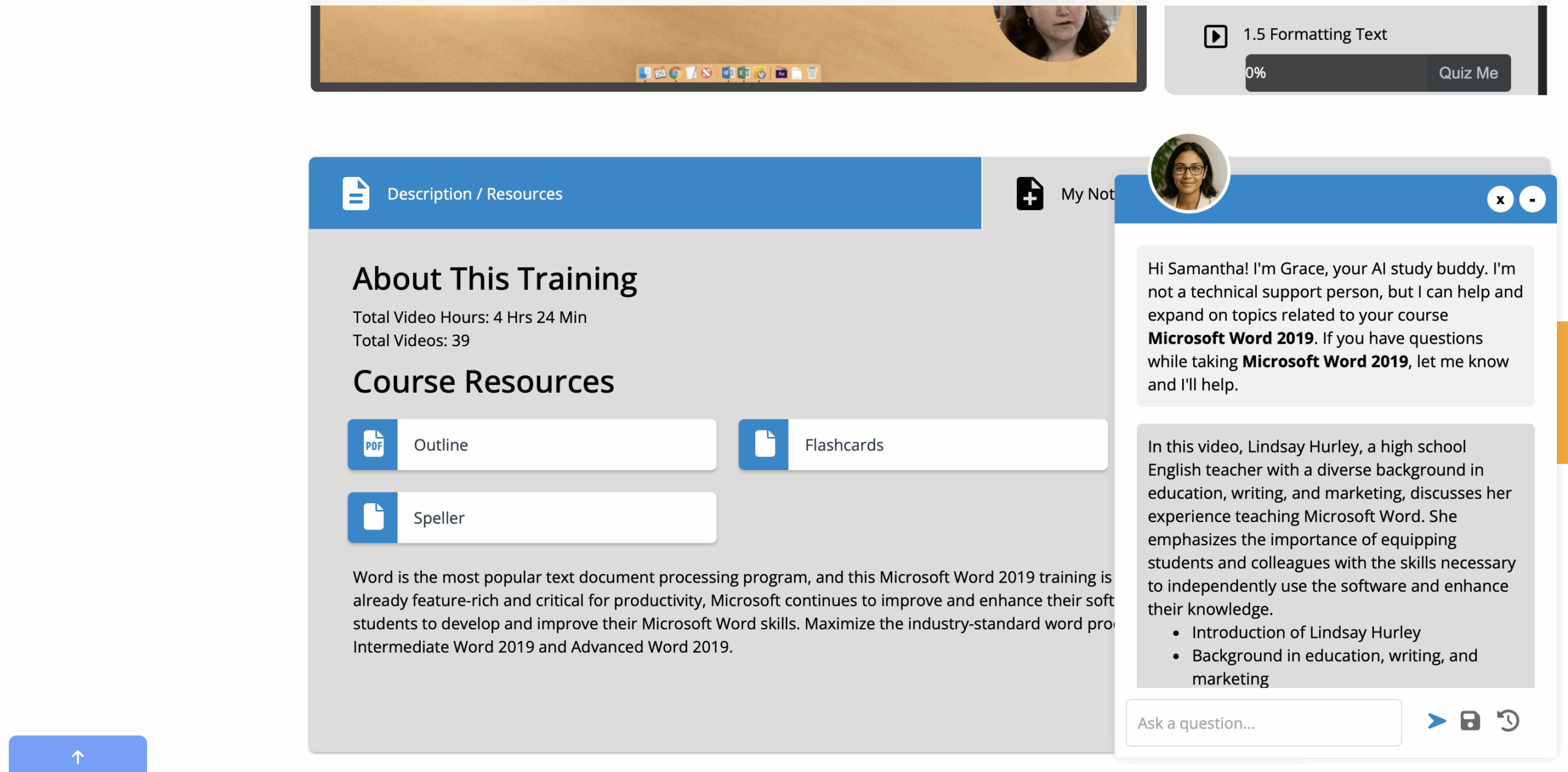
Microsoft Word — creating professional documents, formatting, and layouts
-
Microsoft Excel — organizing data, using formulas, and working confidently with spreadsheets
-
Microsoft PowerPoint — building clear, polished presentations
-
Microsoft Outlook — managing email, calendars, and workplace communication
The focus is not on becoming a technical expert, but on developing everyday fluency so you can work more efficiently and independently.
Outcomes
By the end of the program, learners typically:
- Feel confident navigating Microsoft tools on their own
- Work faster and with less frustration
- Create professional documents and presentations
- Communicate more clearly using email and scheduling tools
- Understand common workplace expectations around digital tasks
- Reduce anxiety around everyday technology at work
Graduates leave with practical skills and renewed confidence to participate fully in today’s professional environments.